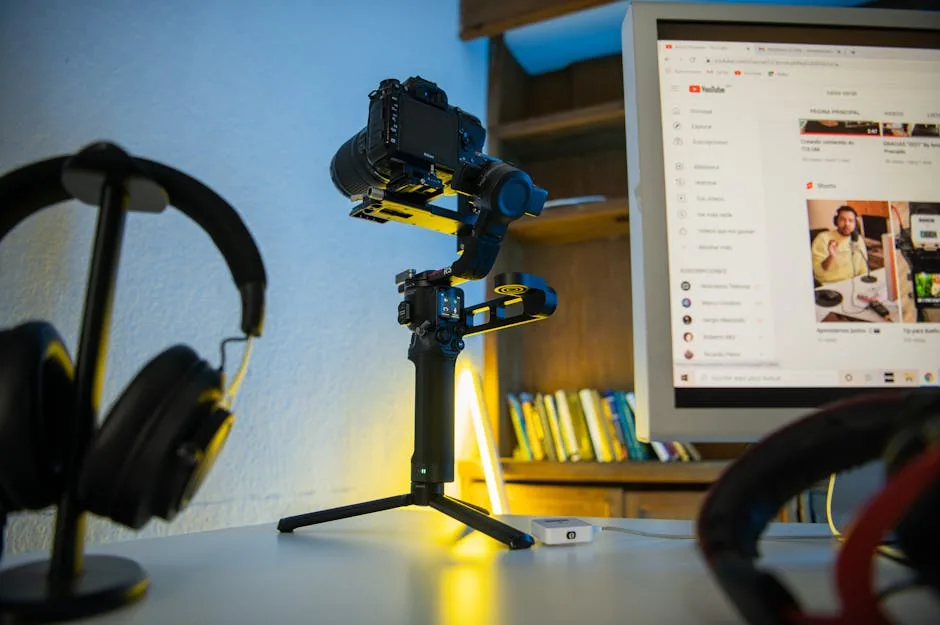
Step-by-Step Guide to Using a YouTube Converter
Every day, countless individuals and professionals face the challenge of saving their favorite YouTube videos for offline access. Whether it’s for educational purposes, personal enjoyment, or creating content, the need for a reliable youtube converter has never been greater. However, finding the right tool and navigating the conversion process can be daunting. This guide will help you understand how to use a youtube converter effectively, ensuring you never miss out on your favorite videos again.
1. Understanding the Basics of YouTube Converters
What is a YouTube Converter?
A youtube converter is a tool that allows users to transform YouTube videos into easily downloadable formats such as MP3, MP4, or other video/audio types. This is particularly useful for those who want to listen to music offline or watch videos on devices without internet access.
Why You Might Need One
There are several reasons to use a youtube converter: saving data, enjoying content on-the-go, and having offline access to educational materials. However, it’s crucial to choose a reliable converter that respects copyright laws and user privacy.
2. Choosing the Right YouTube Converter
Researching Options
Before you start converting videos, it’s important to research and select a reputable youtube converter. Look for tools that are user-friendly and have positive reviews. Some popular options include YTMP3, 4K Video Downloader, and ClipGrab.
Checking Features
Evaluate different converters based on their features. Look for:
- Supported formats (MP3, MP4, etc.)
- Conversion speed
- User interface
- Additional functionalities, such as batch downloading
3. Step-by-Step Conversion Process
Step 1: Copy the Video URL
Start by navigating to YouTube and finding the video you wish to convert. Copy the URL from the browser’s address bar.
Step 2: Paste the URL into the Converter
Open your chosen youtube converter and paste the copied URL into the designated field. Most converters have a clear input box for this purpose.
Step 3: Select the Desired Format
Choose the format you want to convert the video into. For audio, select MP3; for video, select MP4. Some converters allow you to adjust quality settings as well.
Step 4: Start the Conversion
Click the convert button. The conversion process may take a few seconds to a few minutes, depending on the video length and converter efficiency.
Step 5: Download the Converted File
Once the conversion is complete, a download link will appear. Click it to download your converted file to your device.
4. Tips for Safe and Effective Usage
Respect Copyrights
Always ensure that you have the right to download and use the video content. Many creators rely on ad revenue, and downloading without permission can harm their income.
Use Antivirus Software
To protect your device from malware, ensure that you have updated antivirus software running while using online converters. This provides an additional layer of security.
5. Troubleshooting Common Issues
Conversion Errors
If you encounter errors during the conversion process, check the URL for accuracy and ensure the video is not restricted from downloads.
Slow Download Speeds
Slow speeds can occur due to server issues or internet connectivity. If this happens, try refreshing the page or using a different converter.
In summary, using a youtube converter can be a straightforward process when you know the steps involved. By selecting the right tool and following the outlined procedure, anyone can convert their favorite videos for offline enjoyment. Don’t forget to respect copyright laws and keep your device secure while doing so.
To get started today, choose a reliable youtube converter and follow these simple steps. Soon, you’ll have all your favorite videos at your fingertips, available anytime you want!

Laisser un commentaire